

Instructions: Register Artwork with NFC
In this guide you will see how to register artwork with NFC on ArteCertificado, from the smart canvas to publishing the artwork record.
Instructions for Use – Certify Your Artwork
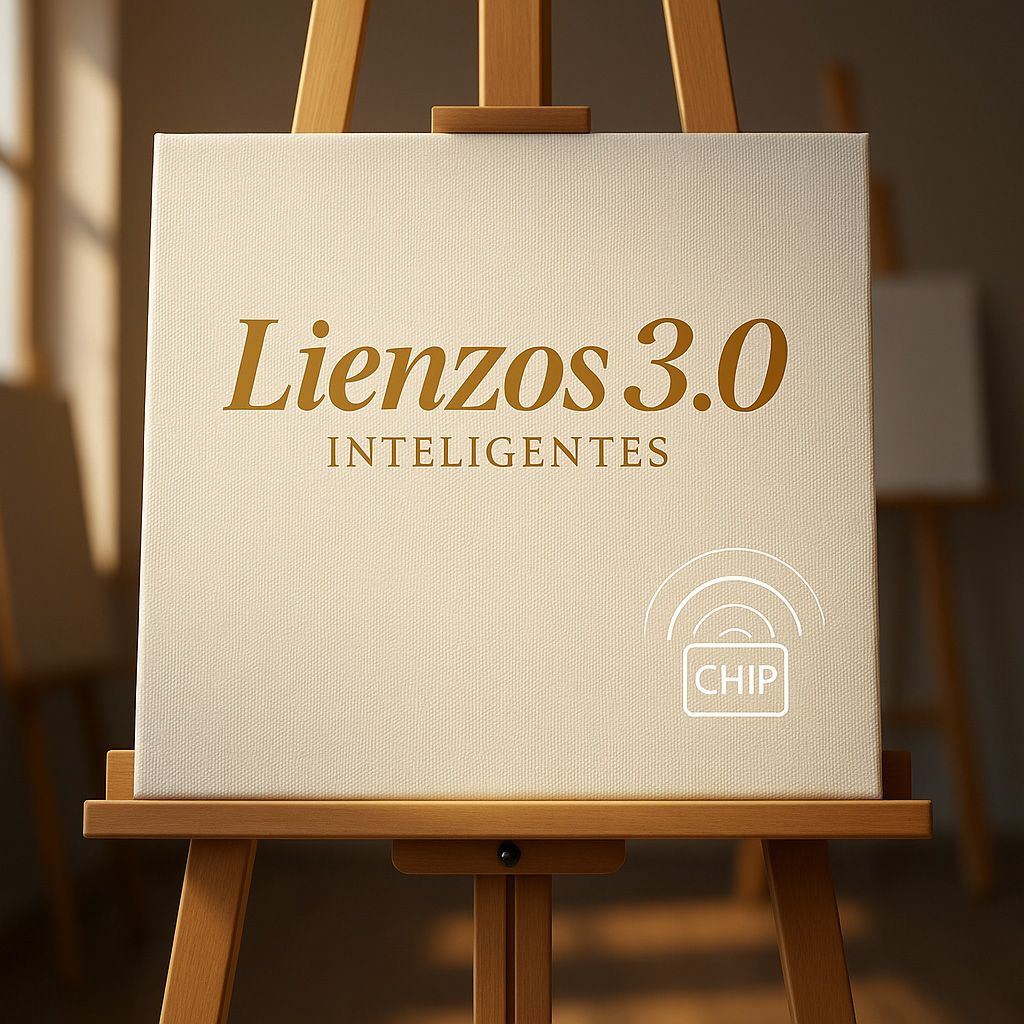
Purchase the Smart Canvas 3.0

Create your artwork
Scan the NFC chip
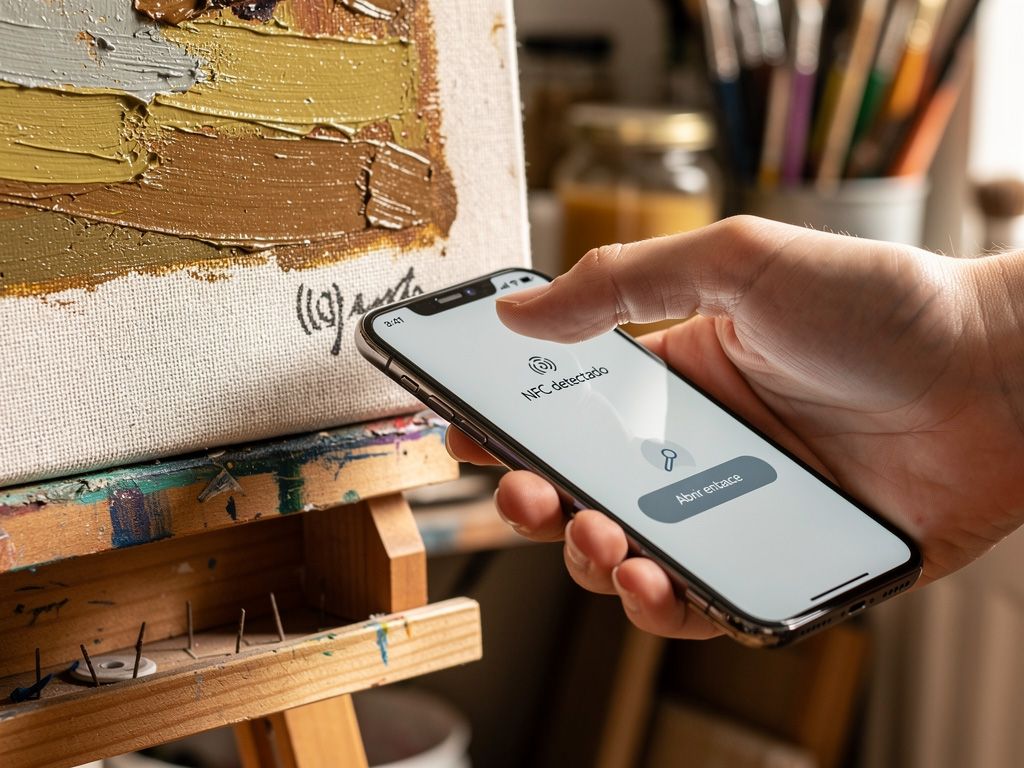
Two options to complete it
• Option B (PC): copy the URL and paste it into the address bar of your computer’s browser.
Submit the form
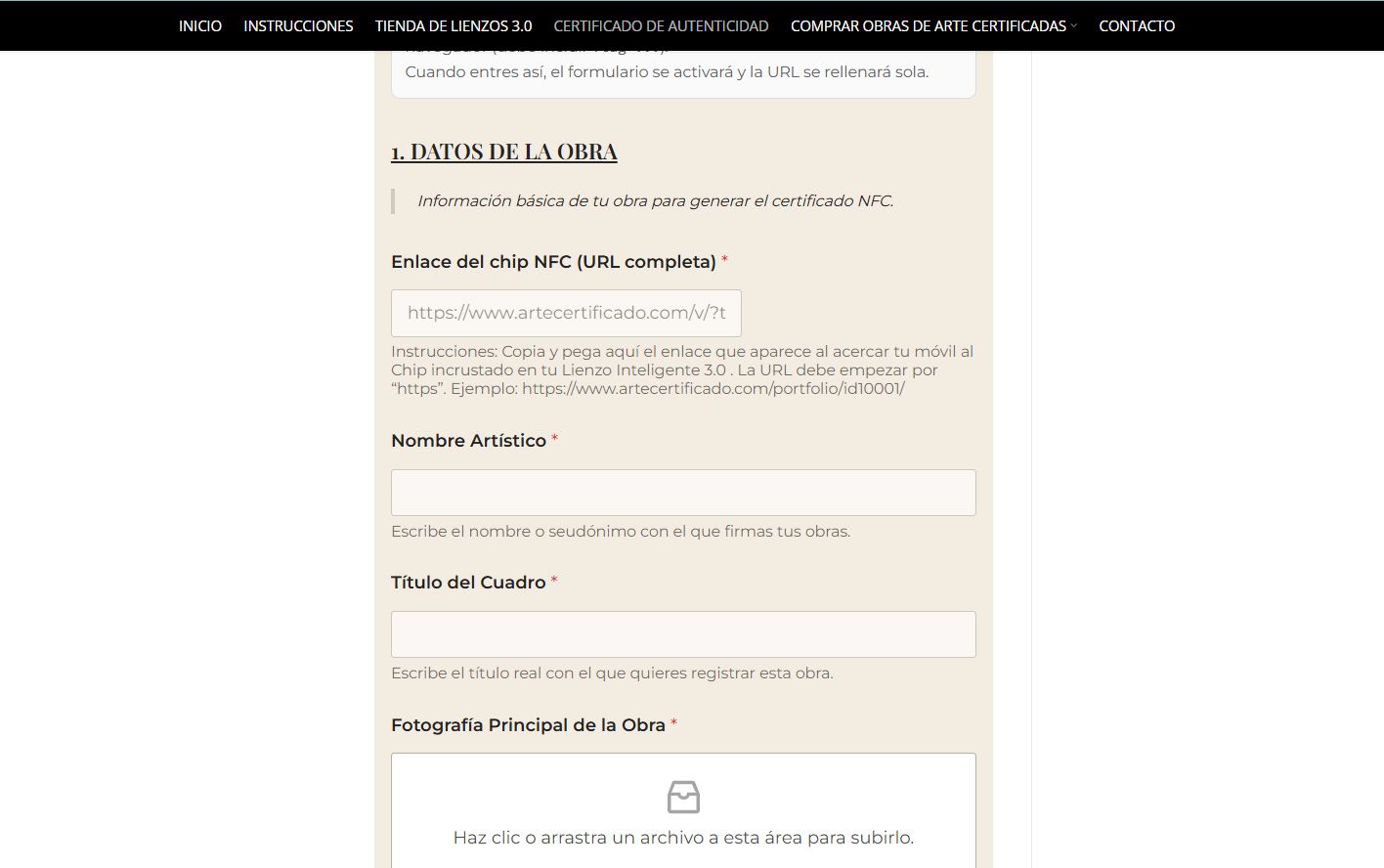
Certificate created
Scan the NFC chip again

Verification OK
Frequently asked questions about registering artwork with NFC
What does it mean to register artwork with NFC?
Registering artwork with NFC means physically linking the artwork to a digital certificate through an NFC chip embedded in the canvas. By scanning it with a smartphone, the authenticated information of the artwork can be accessed.
What do I need to register artwork with NFC on ArteCertificado?
You need a Smart Canvas 3.0 with an integrated NFC chip, access to the ArteCertificado platform, and the basic details of the artwork (author, technique, dimensions, year, images, etc.).
How does the registration process work step by step?
-
Purchase the Smart Canvas 3.0
-
Create the artwork directly on the canvas
-
Scan the NFC chip with your mobile phone
-
Complete the registration form
-
Publish the certified artwork record
Is the NFC chip visible on the artwork?
No. The NFC chip is embedded inside the canvas and does not affect the appearance or integrity of the artwork.
Do I need to install an app to use NFC?
No. The system works directly through the mobile phone’s browser, without the need for any external application.
What information does the NFC certificate of authenticity include?
It includes details about the artist, technique, dimensions, year, condition, images, creative process, exhibition history and any other relevant information the artist chooses to add.
Can I modify the artwork information after registration?
Yes. The artist can update certain details of the artwork record while maintaining full traceability and change history.
Does registering artwork with NFC help to sell it?
Yes. A registered artwork can be displayed and sold with a verifiable certificate of authenticity, increasing buyer confidence and the value of the artwork.
Does NFC registration prevent forgery?
Yes. The system helps prevent forgery by uniquely linking the physical artwork to its verifiable digital identity.
Who can scan the NFC chip?
Anyone with a compatible smartphone can scan the NFC chip and verify the authenticity of the artwork.

